SaaS · Personal build
Boardly
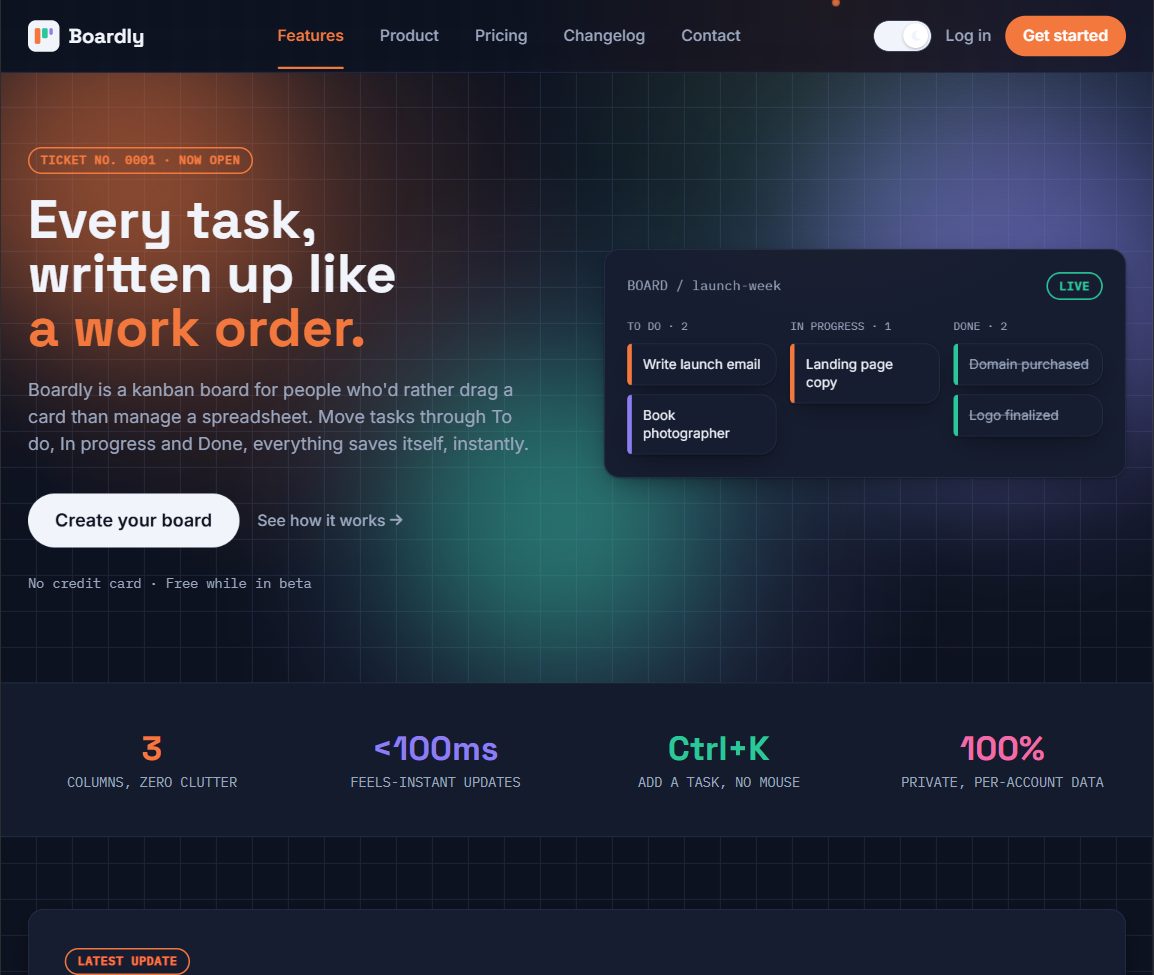
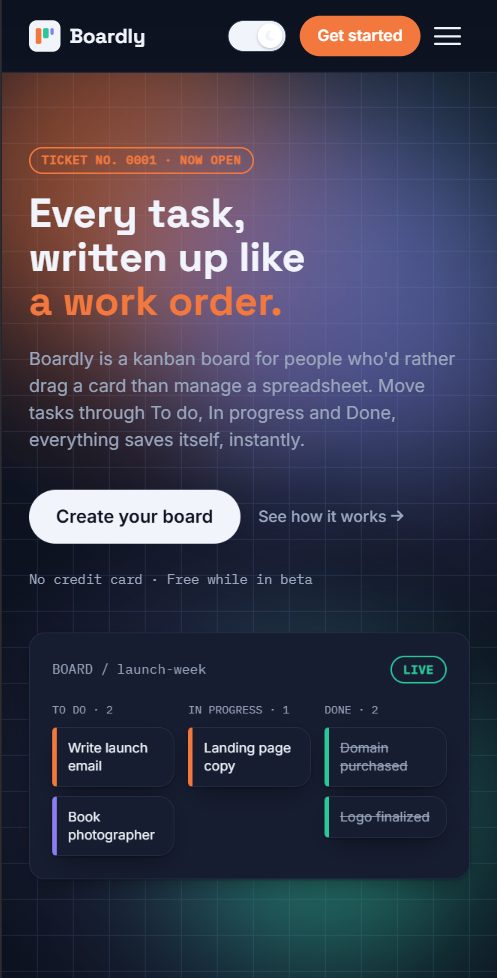
A kanban task-board SaaS that's grown well past its first version: drag-and-drop boards, an AI assistant, vertical-specific workflows for logistics and teaching, a client portal, and realtime multi-board sync.
The challenge
Task boards are a crowded category, so the interesting problem was building one that felt alive and responsive (realtime sync, genuine drag-and-drop, an AI assistant) rather than a static CRUD app with columns.
The approach
Built the product side (dashboard, stats, settings) on top of Supabase for auth and realtime data sync, so changes on one board reflect live across sessions, alongside a marketing site (features, pricing, changelog) for the product itself.
Design
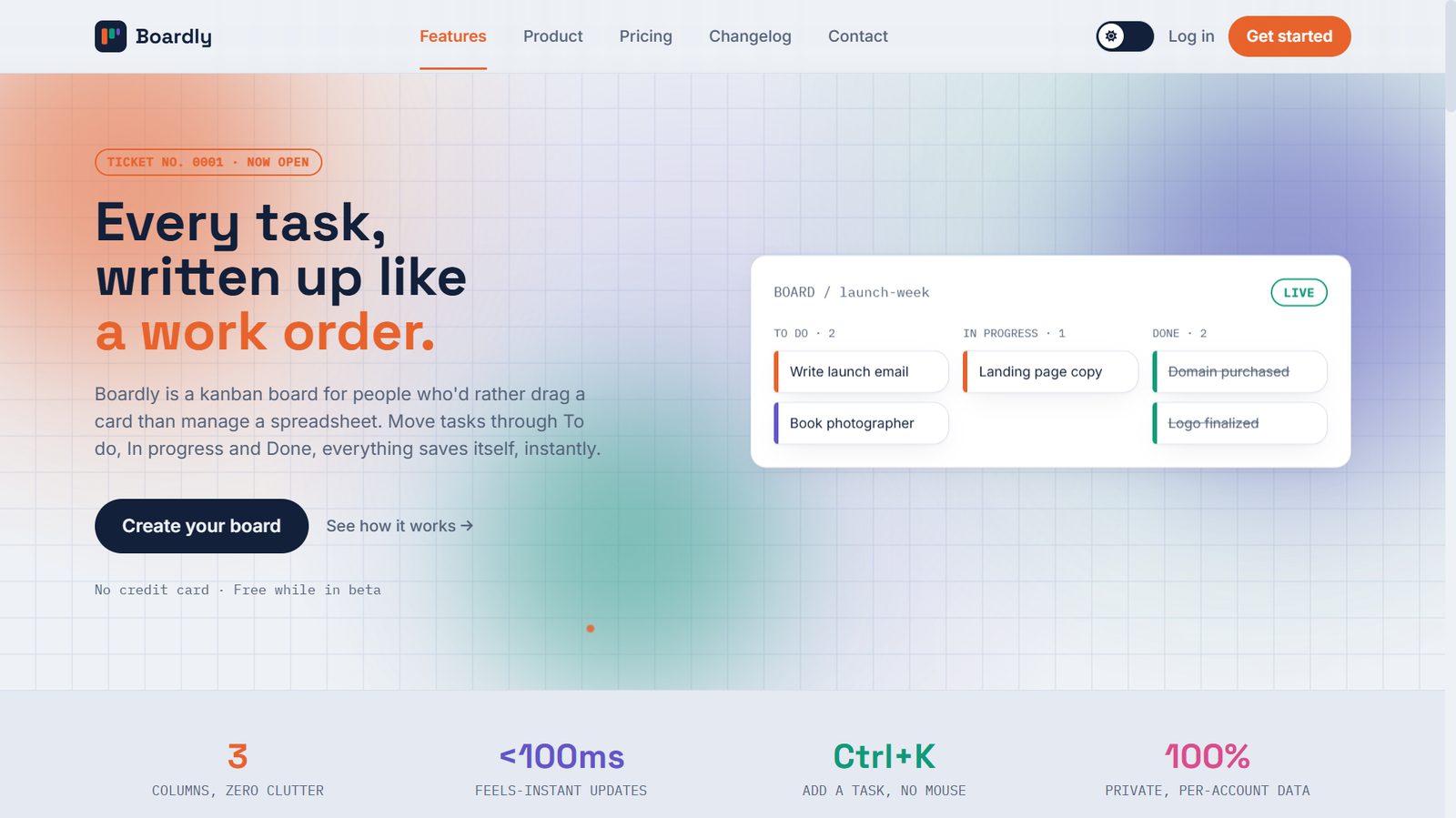
An animated, gradient-driven marketing site (moving backgrounds, word-by-word headline reveals) paired with a more focused, functional dashboard UI once logged in, keeping the pitch expressive and the tool itself calm.
Development
HTML, Tailwind CSS, and JavaScript on the frontend, backed by Supabase for authentication and realtime multi-board sync. Public pages (marketing, changelog, 404) work without login; the dashboard, stats, and settings pages require an account.
What I solved
- Realtime multi-board sync and drag-and-drop task management backed by Supabase.
- An AI assistant integrated into the dashboard workflow.
- Installs as a real PWA, with an iOS install guide, camera capture, share sheet, and pull-to-refresh added since launch.
- Vertical-specific modes: a Logistics Control Tower with shipment-style status columns, a Classroom mode for lessons and homework, and a Dispatch mode, instead of one generic board for everyone.
- A Client Portal for sharing progress with people outside the team, a command palette, QR handoff to open a board on your phone instantly, and a presentation mode for screen-sharing a board live.
- A public changelog and a fully designed 404 page, not just the core product screens.
Result
It's live at justixxprime.github.io/boardly. This one mattered to me because it forced me past HTML/CSS/JS into an actual database. Supabase, realtime sync, the whole thing had to genuinely work, not just look like it worked.
How far it's come
Boardly started as a kanban board experiment and has since grown into a genuinely full product, built in phases, one working piece at a time. The design system ("Drafting Desk": Fraunces for anything that deserves weight, General Sans for the interface, IBM Plex Mono for anything measured) shipped first. Everything since has stacked on top of it: multi-board workspaces with realtime sync, checklists, recurring tasks, file attachments, an offline queue with retry, public share links, a Groq-powered AI assistant with a daily briefing, and now vertical-specific modes (Logistics Control Tower, Classroom, Dispatch) and a Client Portal for sharing progress outside the team. A few things still on the list:
- A "Simple Mode" and "Smart Mode" split, so a brand-new user sees five fields, not twenty, and can opt into the rest.
- Rounding out the workload and team-capacity views so a manager can see who's overloaded at a glance, not just what's overdue.
I'm still working through it in phases rather than all at once, so I don't break what's already working for the people using it.
Everything in the box
A full feature-by-feature rundown, since this one has grown well past a simple task board:
The board itself
- Drag-and-drop tickets between columns, categories, due dates, subtasks/checklists, and file attachments
- Repeating and location-based reminders, plus optional auto-move to Done when a task is due
- Bulk actions, search and filter, export/import, a calendar view, and starting a board from a template
- Multiple boards, board sharing, single-ticket sharing, and a QR code to open a board on your phone instantly
Smart & AI features
- Smart quick-add that parses dates, weekdays, and #tags straight out of typed text
- Voice input via the browser's speech recognition, plus an "Ask AI" assistant and a daily briefing
- A command palette and keyboard shortcuts (press "?" for the full list)
Insights & motivation
- A real Insights page: live stat cards, a category donut, a due-date urgency chart, a weekday activity chart, and a 12-week GitHub-style heatmap, all computed from real tasks, nothing hardcoded
- Progress ring, streaks, levels, milestone confetti at 10/25/50/100/250/500 completed tasks, and a "copy summary" button for standup notes
Quick Tools & Dev Tools
- Focus timer (Pomodoro), scratchpad, countdown, unit converter, decision picker, and calculator
- JSON formatter, color/contrast checker, Base64 and URL encode/decode, a regex tester, Lorem Ipsum generator, and a code snippet vault
Installed app experience
- Installs as a real PWA with push notifications, home-screen shortcuts, and the ability to share content into Boardly from other apps
- App Lock, dark mode, and an offline queue that retries once you're back online
Vertical-specific modes
- Logistics Control Tower with shipment-style status columns
- Classroom mode for lessons and homework, and a Dispatch mode
- Client Portal for sharing progress outside the team, plus presentation and zen/focus modes on a single column
Under the hood: a real serverless backend
This is the part that doesn't show up in a screenshot: 14 Supabase Edge Functions running real server-side logic, not just a frontend talking to a database.
- A daily digest email, written by AI and sent for real. Once a day, a scheduled function checks every account for tasks that are overdue or due today, asks a free Groq-hosted model to write a short plain-English summary, and sends it through Resend. Accounts with nothing due get skipped entirely, no empty "you have 0 tasks" email.
- Critical alerts by SMS through Termii, a Nigerian-founded provider chosen specifically because its "DND" channel is built to bypass Do-Not-Disturb settings and the 8PM to 8AM delivery restriction Nigerian carriers otherwise enforce on generic routes, something Twilio has known reliability issues with on Nigerian numbers.
- A real Slack slash command: typing
/addtask Call the printer tomorrowin Slack creates an actual Boardly ticket, verified with Slack's own request signature so it can't be spoofed by anyone else. - Two-way Google Calendar sync that creates, updates, or removes a calendar event the moment a task's due date changes, built to fail silently if the calendar sync hiccups so a connection issue never looks like the task itself failed to save.
- Inbound Zapier support via a webhook endpoint, so a Zap triggered by a new email or form submission can create a real Boardly ticket, built and documented honestly as a webhook integration rather than a published, officially-reviewed Zapier app.
- Scheduled background jobs run with a service-role key (Supabase's own elevated access for background functions), so a job can check every account's tasks for reminders and auto-advance logic while everyday user access still stays fully locked down by Row Level Security.
Screens